
A DESIGN SKILL. A DIFFERENT STANDARD.
Make the
interface
matter.
Give your coding agent a point of view. Connect art direction, working interactions and visual evidence — from the first brief to the final frame.
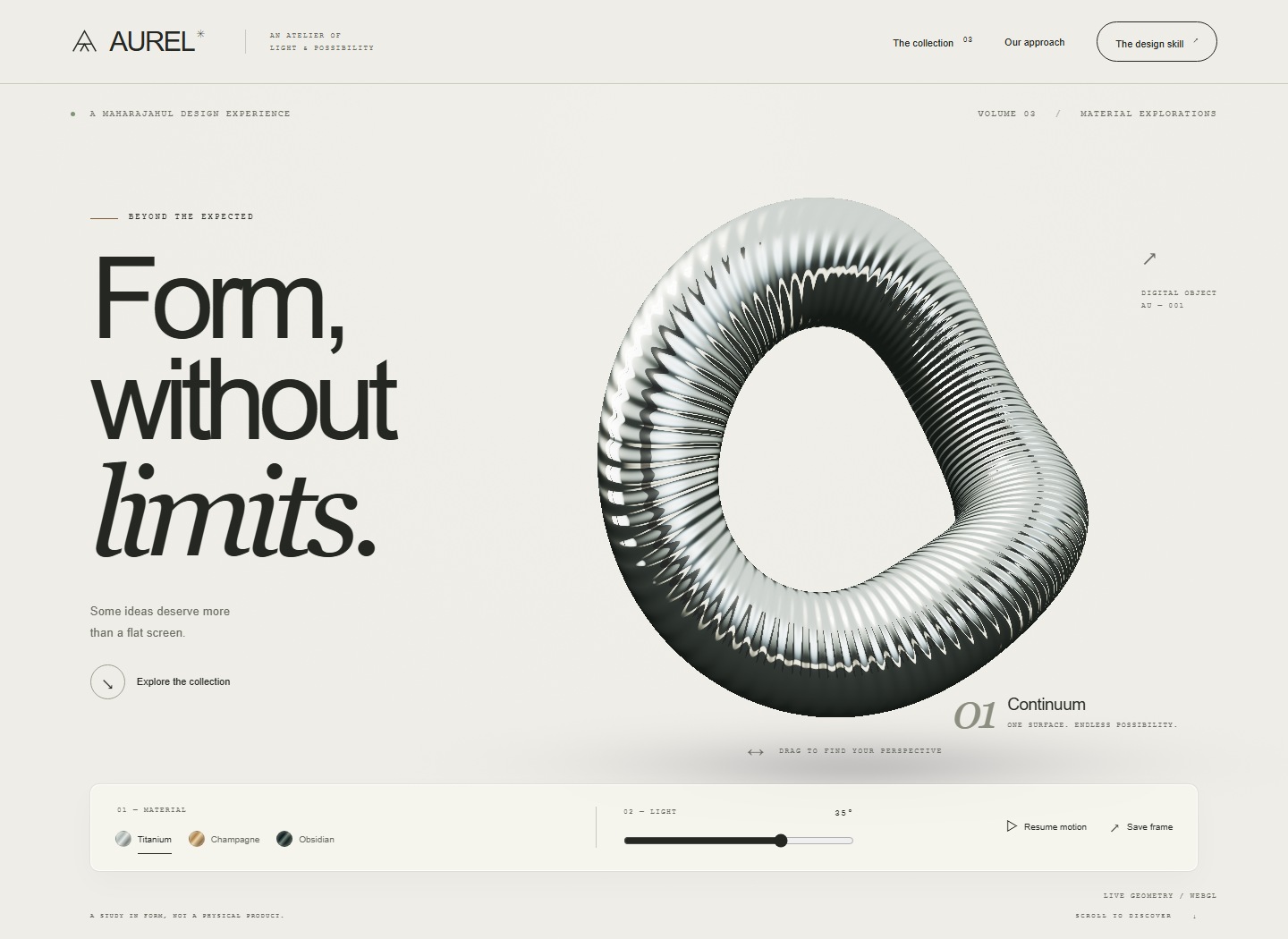
FUTURE STUDIES / COLLECTION 02
Six worlds. All working.
Real controls. Real-time graphics. No concept-only screens. Open a study and make it your own.
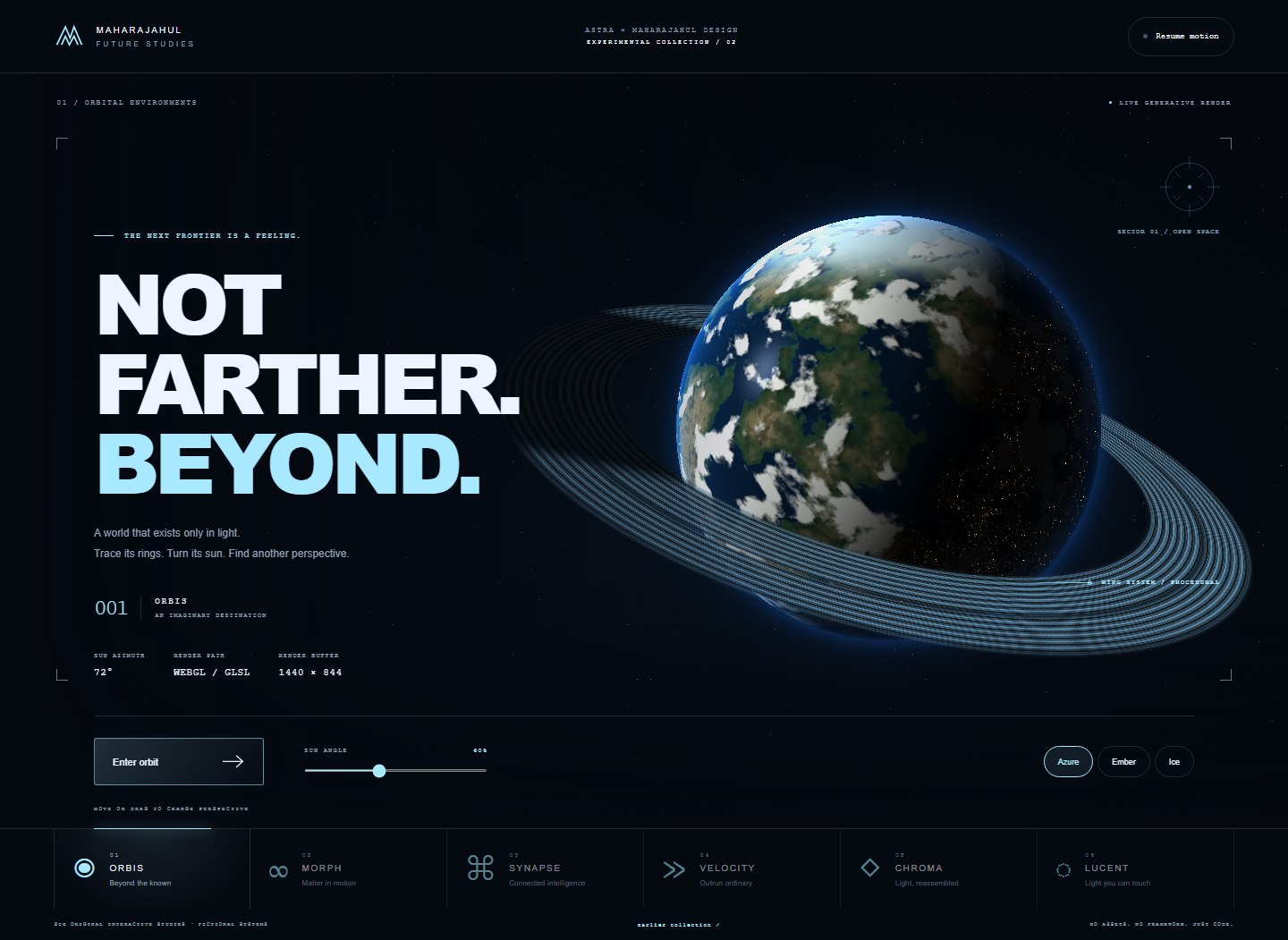
ORBIS
01 / ENVIRONMENTSTrace the rings. Turn the sun. Find another perspective.
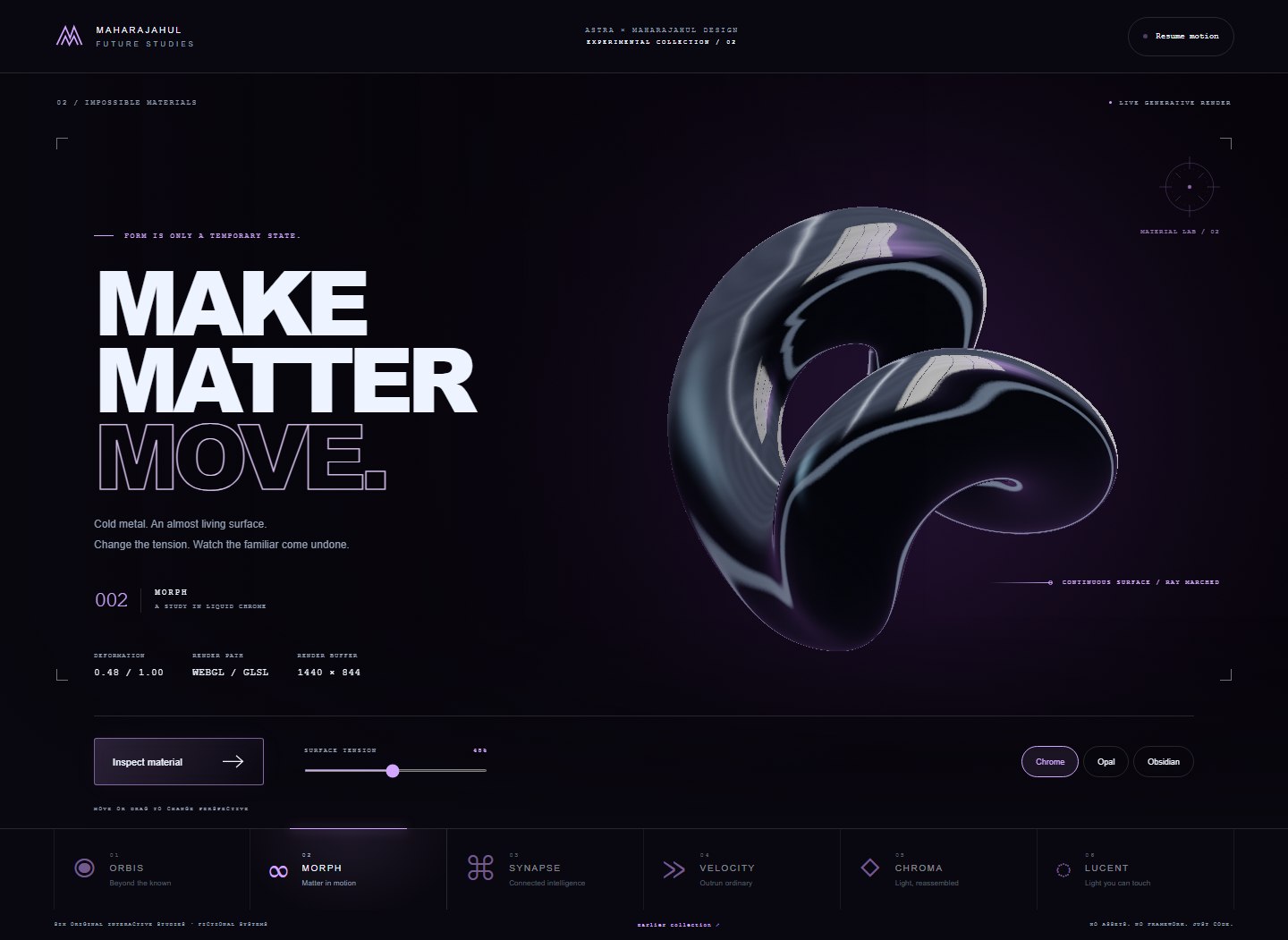
MORPH
02 / MATERIALSLiquid chrome. Surface tension. A form that refuses to stay still.
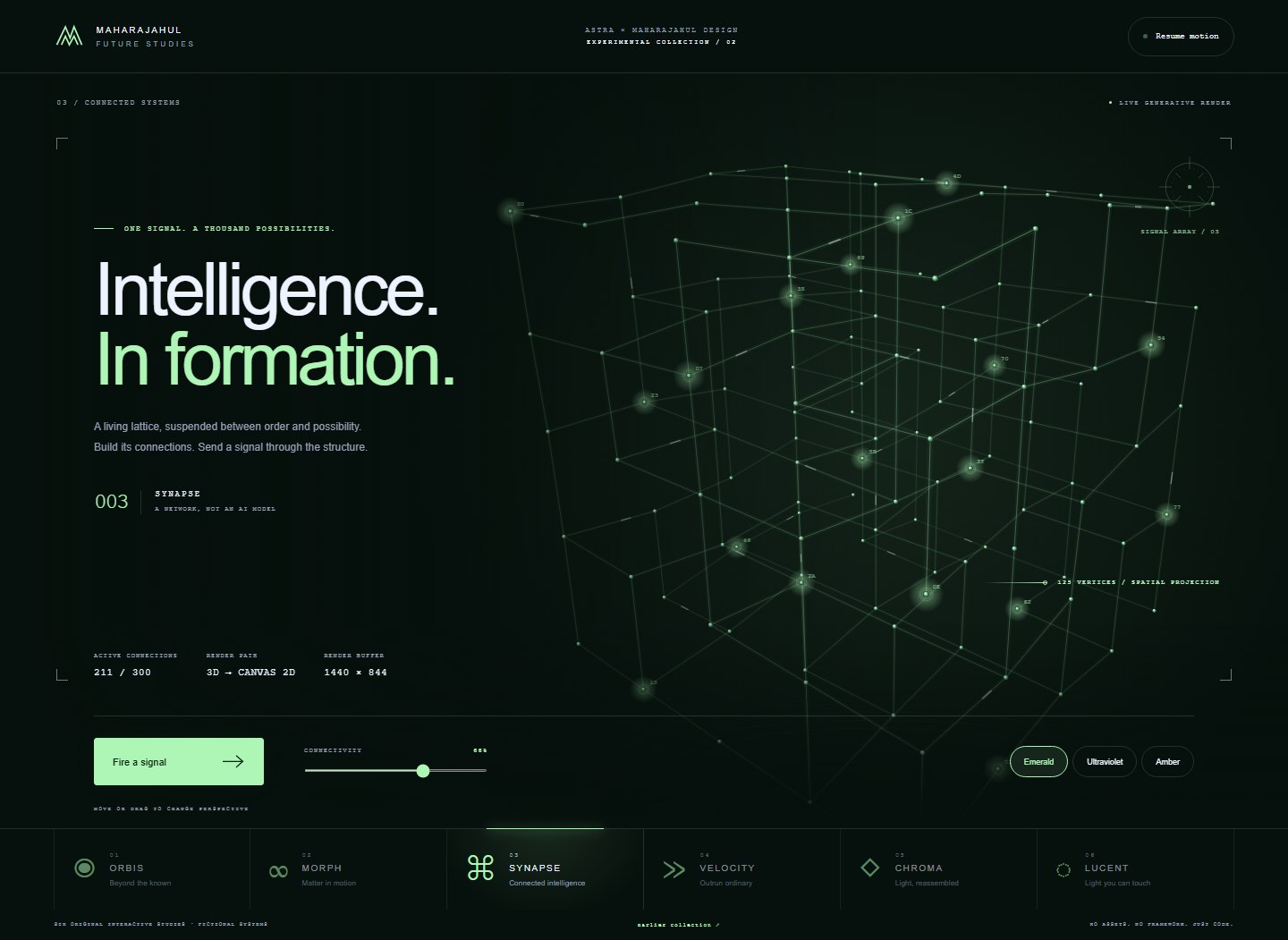
SYNAPSE
03 / SYSTEMSA signal becomes a connection. A connection becomes a structure.
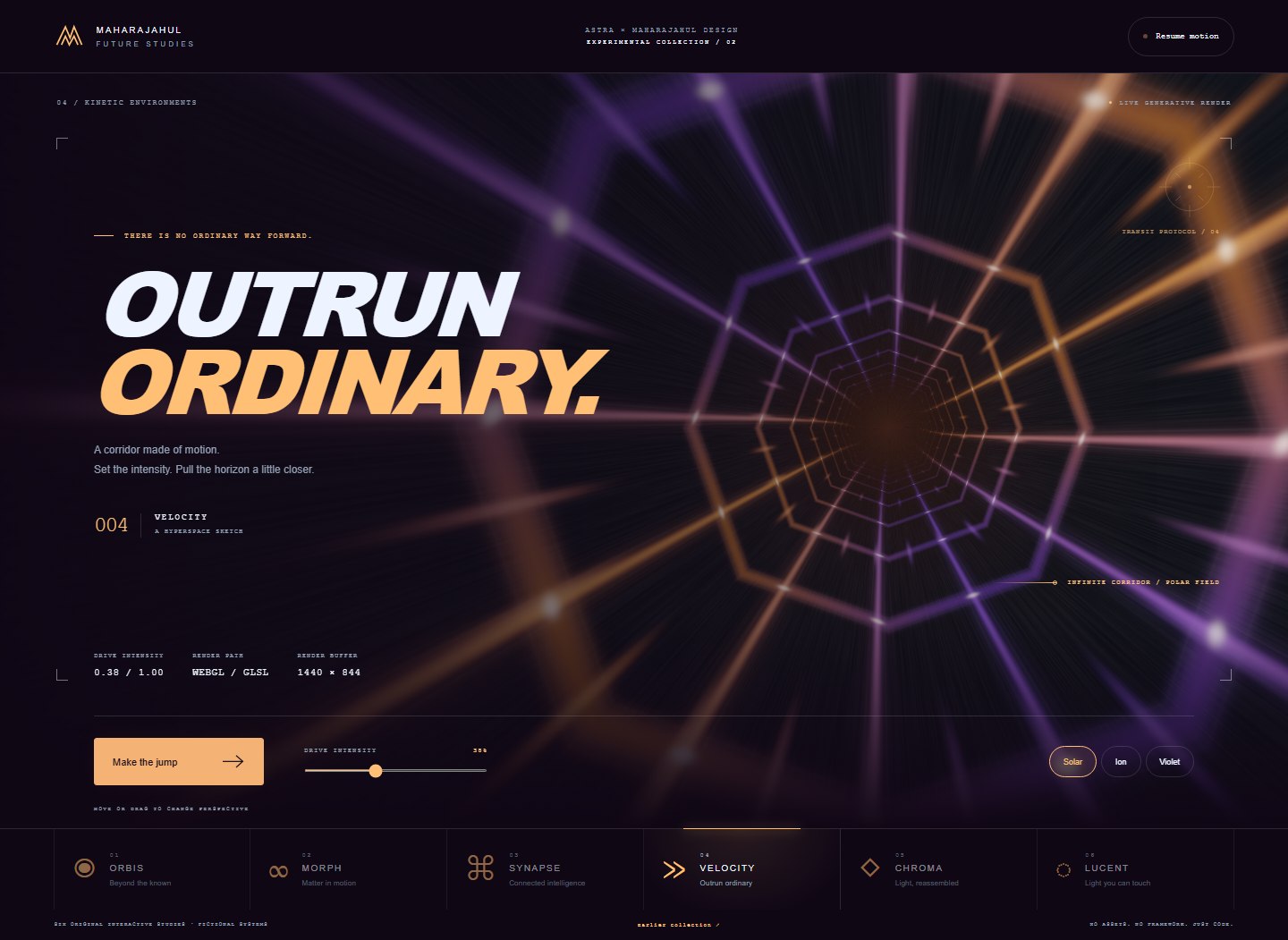
VELOCITY
04 / MOTIONSet the intensity. Pull the horizon a little closer.
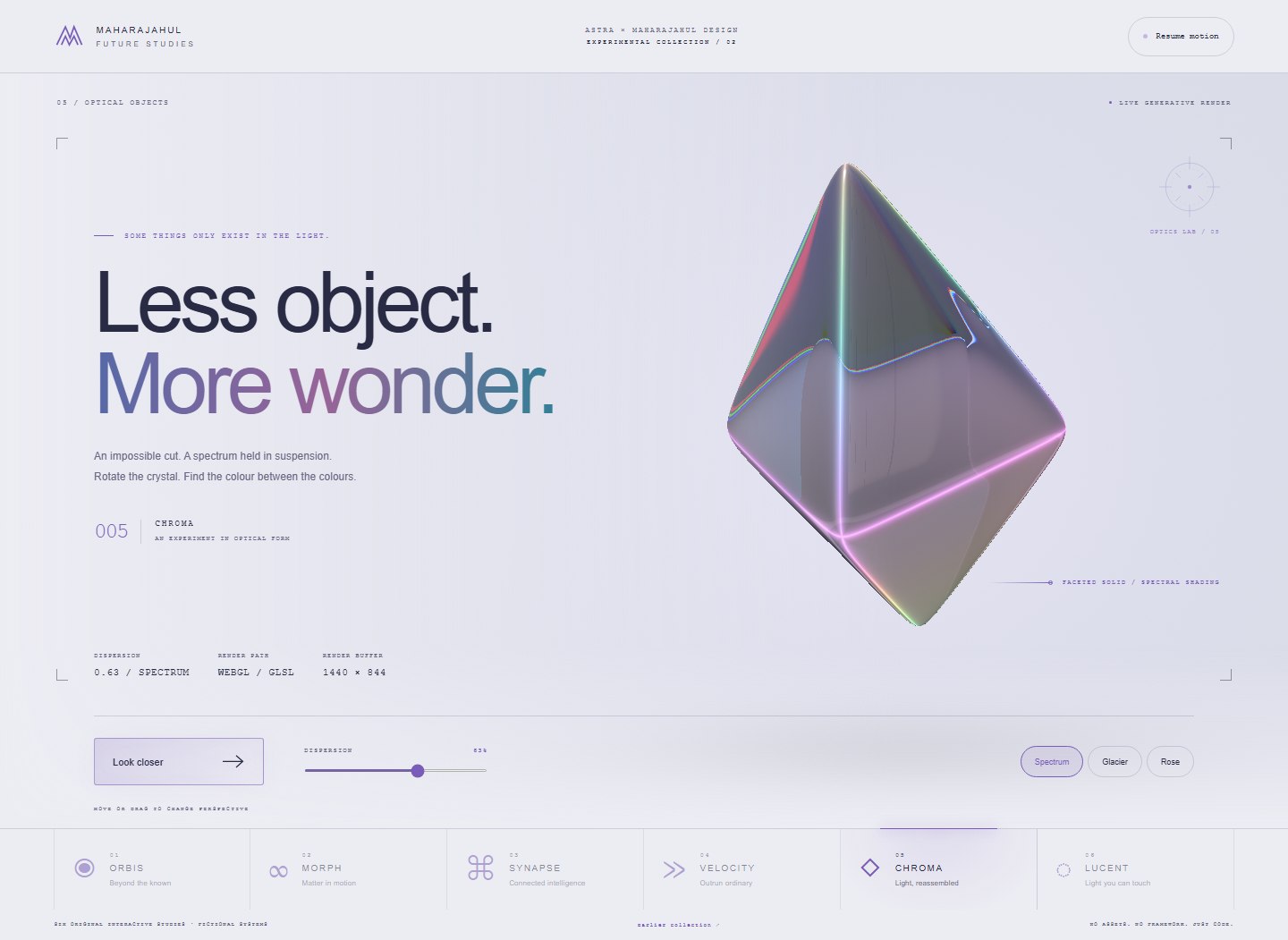
CHROMA
05 / OPTICSLight enters. Color separates. The familiar becomes unexpected.
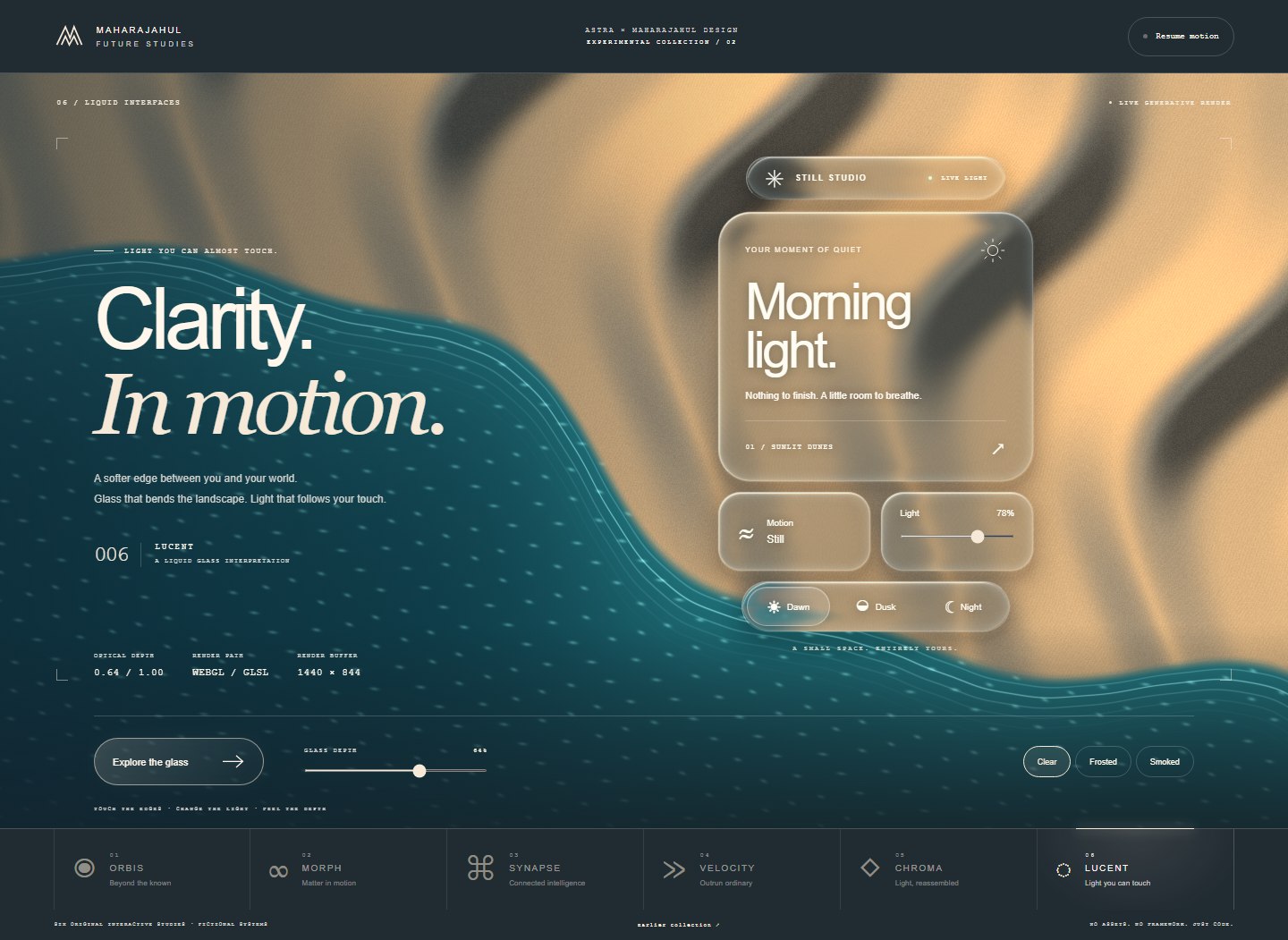
LUCENT
06 / INTERFACESRefractive glass. Softer edges. Light you can almost touch.
Prefer a quieter direction? Five earlier studies explore editorial design, dashboards, configuration, editing and landscape.
Explore Collection 01 ↗A reason for every choice.
Build a visual identity around what the product does, what people need to notice, and what happens next.
The interaction is the design.
Work with the existing stack. Connect controls to state. Make the experience hold together beyond the first screenshot.
Look at what actually shipped.
Inspect the rendered result. Exercise the controls. Separate visual judgment from a passing build or a test report.
BRING YOUR OWN AGENT
A skill, not another stack.
Use it with Codex or an agent that can load a SKILL.md package. Eleven source-backed recipes, eight design directions and focused implementation guides are there when the work needs them.
Read the implementation recipes ↗
The skill guides the process. Your agent and its available tools do the work.
Use $maharajahul-design to turn this brief into a working interface.

Establish a clear visual direction, implement the actual interactions, and inspect the result at desktop and phone sizes.
Installation & documentation →